
The first question a practice owner asks about an AI dental receptionist is rarely about the voice. It is about integration. Will it write the booking straight into my diary, or will it leave a note for someone to type in later.
That one distinction decides whether the tool saves time or quietly creates more of it. An AI dental receptionist that books into Dentally, SOE Exact, R4, or Kodak is doing the job of a receptionist. One that drops a callback note is a missed call with two extra steps stapled to it.
This is the integration question answered in plain language, system by system, with the honest version of what each setup can and cannot do.
The question every owner asks first
Picture a new patient ringing at 7:40 in the evening to ask about an implant consultation. Two outcomes are possible.
In the first, the caller speaks to something that answers, qualifies the enquiry, finds the next implant assessment slot in the live diary, books it, and sends a confirmation by text and email. By the time the principal opens the practice in the morning, the appointment is already in the book.
In the second, the caller speaks to something that takes a message. That message sits in an inbox until someone reads it, calls the patient back, plays phone tag for a day and a half, and eventually books the slot the patient has by then taken elsewhere.
Both look like "we answered the call" on a feature sheet. Only one of them is integration. The gap between them is the entire point of buying the tool, and it is why the integration question deserves a straight answer rather than a logo wall.
What integration actually means
There are three things vendors call integration, and only one of them earns the word.
Booking into the live diary. The system reads real availability by clinician and appointment type, writes the appointment into the practice management system, and the slot is gone the moment it is taken. No double-booking. No second person re-keying anything.
A separate calendar that syncs later. The booking lands in a parallel calendar that reconciles with your diary on a delay. Workable, but the delay is where double-bookings live, especially during a busy morning when two patients want the same Thursday slot.
A callback queue dressed up as booking. The "booking" is a structured message. A human still has to open the diary and enter it. This is the most common thing sold as integration, and it is the thing you are trying to get away from.
There is a fourth thing worth naming, because it catches practices out. An AI receptionist does not only handle bookings. A real share of inbound calls are existing patients moving an appointment, a lab chasing a case, or a supplier. Genuine integration means the system writes the appointment requests into the diary and routes everything else cleanly, logging the call and notifying the right person, rather than tipping all of it into one undifferentiated message pile. The booking is the headline. The clean routing of everything around it is what keeps the front desk from drowning.
Hold every vendor to the first definition. The test is simple: at the end of the call, is the appointment in the diary, or is it in a list. For the cost case behind why that list is so expensive, see what a missed call costs a private dental practice.
Dentally
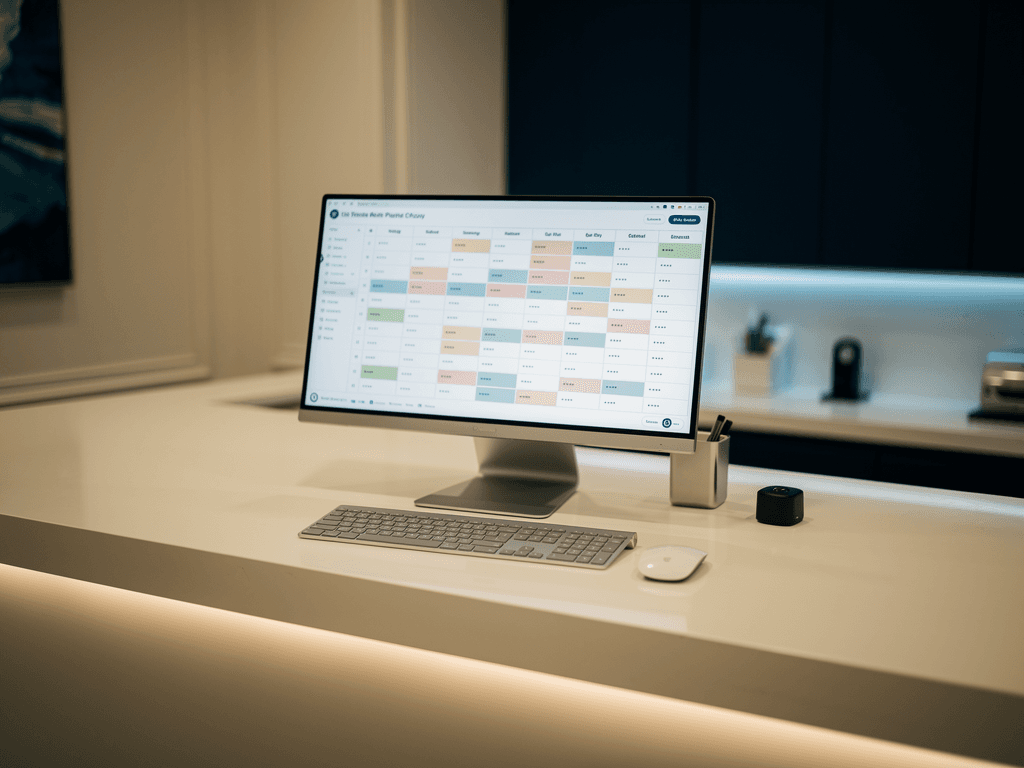
Dentally is the most common setup we see in UK private practice, and it is the cleanest to integrate with. It is cloud-native with a modern API, which means an AI receptionist can read live slot availability by practitioner and appointment type, write the booking directly, and trigger the confirmation flow.
In practice that looks like: the caller asks for a hygiene appointment, the system offers the next two genuine openings with the right clinician, books the one the patient picks, and the slot disappears from availability immediately. The front desk sees it appear in the diary in real time. Confirmation by text and email goes out without anyone touching it.
This is the configuration where the tool behaves exactly as described on the tin, because the software underneath was built to be talked to.
SOE Exact, R4, and Kodak
The picture is more honest, and more mixed, on the established server-based systems.
SOE Exact and R4 (Carestream) are widely used and deeply capable, but they are server-based and their integration surface is narrower than a cloud system. Direct write-into-the-diary is achievable in most modern installs, often through a supported bridge. The honest caveat: the exact capability depends on your version and how the install is configured, so it is a question to answer for your specific practice rather than a blanket yes.
Kodak / Carestream legacy installs vary the most. Newer setups can support real booking. Older, locked-down installs sometimes cannot expose the diary at all, in which case the AI can answer the call, qualify the enquiry, and hand a structured booking request to the front desk, but it cannot write the slot itself.
| Practice software | Live diary booking | Notes |
|---|---|---|
| Dentally | Yes | Cloud-native, cleanest sync |
| SOE Exact | Usually | Version and install dependent |
| R4 (Carestream) | Usually | Supported bridge in most modern installs |
| Kodak / Carestream legacy | Sometimes | Older installs may be answer-and-message only |
| Paper diary or closed system | No | Answer-and-message only, upgrade first |
If your practice is in the bottom row, an AI receptionist still catches the call and the patient details. It just cannot do the booking step until the underlying software can be talked to. That is the truth a logo wall hides.
The five questions that separate real integration from a callback queue
Before you sign anything, ask these. They cut through marketing copy in about five minutes.
- Does it write the booking directly into Dentally, SOE Exact, R4, or Kodak, or does it leave a callback note. Callback notes are still missed calls with extra steps.
- What happens to a caller who refuses to speak to an automated receptionist. The honest answer is that it transfers to a person. If the answer is that it never happens, walk away.
- What does the call log show at the end of each day. If you cannot see every call, including the missed ones, you cannot manage the front desk.
- What is the cost in month thirteen if call volume doubles in a peak week. Flat rate or per-minute. Find out before you sign.
- How long does a single-site go-live actually take, end to end. Anything past a few weeks is a flag.
A vendor who can answer those five in plain language is selling you a receptionist. A vendor who deflects is selling you a callback queue. For the wider build-versus-buy picture, see AI receptionist vs dental practice manager.
Go-live: what the first 72 hours involve
Owners assume integration means months of project management. For a single-site private practice on a modern system, it does not.
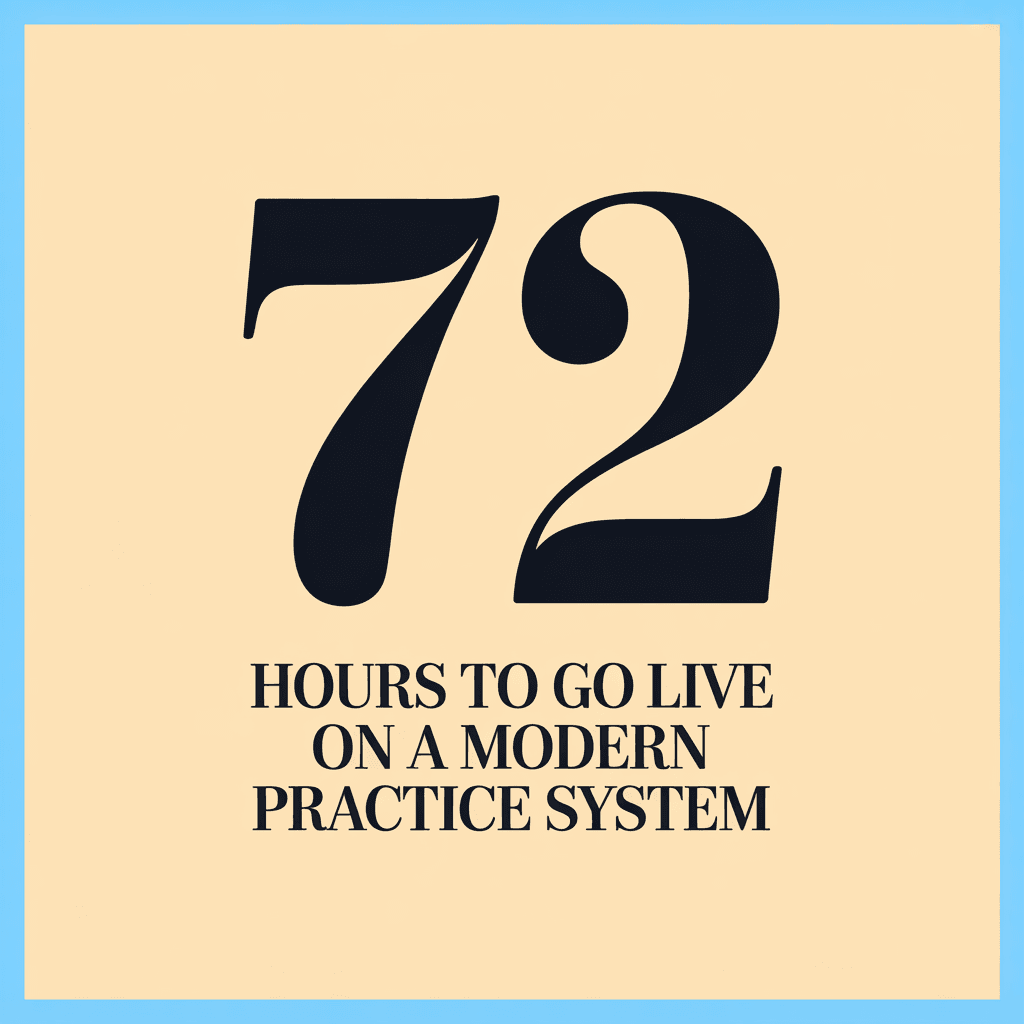
The practice provides access to the diary and confirms the appointment types, clinicians, and the rules around them, such as how long an implant assessment runs and which days a given dentist works. The mapping is built and tested against real availability before the system ever answers a live call. The confirmation messages are set to the practice tone. A test run books a few dummy appointments, the front desk watches them appear in the diary, and only then does it go live on the real number.
Flat rate, typically £450 to £900 a month for a single site, with after-hours, weekend, and bank holiday cover at the same price. No per-minute scaling. No callback queue. No manual re-entry.
The reason integration matters is not technical neatness. It is that a booking in the diary is a patient. A booking in a queue is a maybe. For where this sits in the wider adoption picture across UK practices, see how private dental practices use AI in 2026.
The practices that get this right do not ask whether the AI sounds good. They ask where the booking ends up. Get that answer in writing, test it against your own diary with a few dummy appointments, and the rest of the decision gets simple. That single test takes one afternoon to run.